 1 · Front
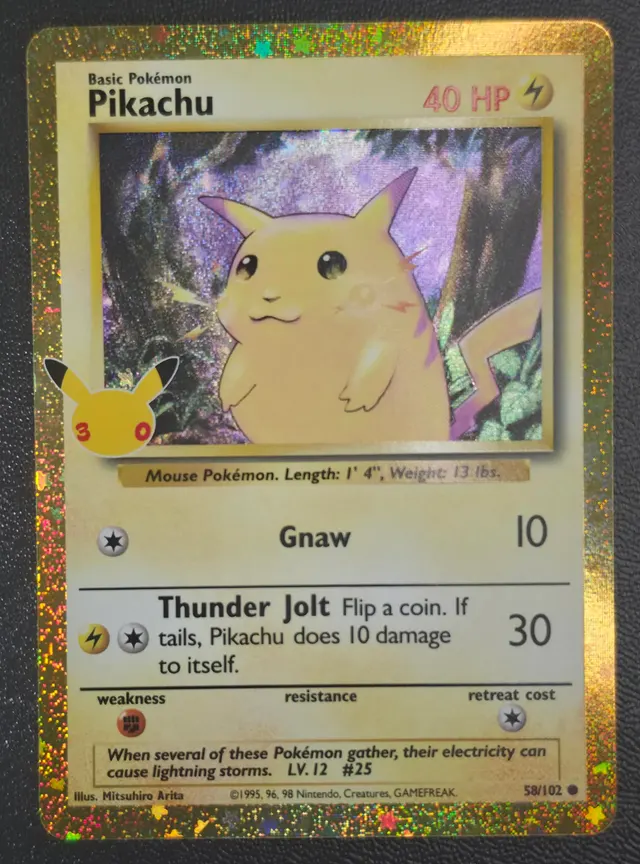
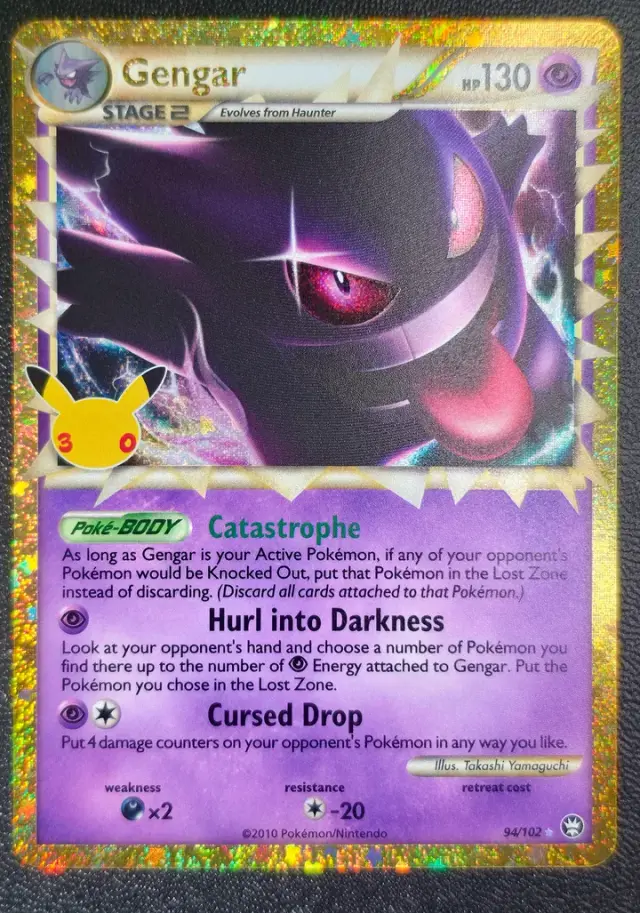
Front borders
Measure from the card edge to the yellow frame. On full arts, use the line where the border meets the art.
New to collecting? Find your collector type in 2 minutes.
Take the free quiz →Advertisement
Snap the front and back. See the centering in a minute, before you pay to grade.
The tool
Pokémon · One Piece. Your photos never leave your device.
Tip: shoot straight on, in even light, out of glossy sleeves, on a plain background with a little space around the card.
Each line should sit right on its edge in all 4 corners. Tap a corner to zoom there. Pinch or double-tap the photo to zoom too.
Advertisement
Before you grade a Pokémon card
1 · FrontMeasure from the card edge to the yellow frame. On full arts, use the line where the border meets the art.
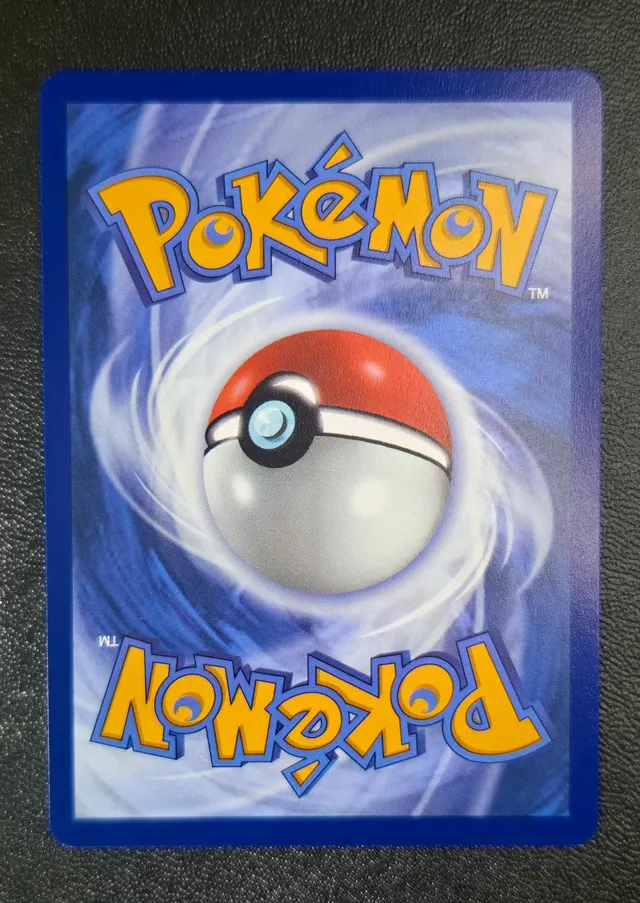 2 · Back
PSA allows about 75/25 on the back for a 10. A blue border that is clearly thicker on one side can cost the grade.
 3 · Photo
Phone parallel to the card, even light, plain background. Take it out of the sleeve to kill the glare.
Pro tips
Lay the card flat and hold your phone right above it. Plain background, even light, no glare.
It finds the card edge and the printed frame, and places all 8 lines for you. Then give them a quick look.
Move your finger slowly and the line moves at 1/4 speed. It stays put when you lift your finger.
Drag a line near an edge and it sticks on it, like a magnet. Keep moving to pull it off.
After Auto-align, any line it is not sure about turns amber or red. Tap Check and it takes you right to it.
Pinch or double-tap the photo to get close to an edge. Drag with one finger to look around.
Tap Check corners to see every corner up close. Each line should sit right on its edge.
Tap a line, then use the arrows to move it one pixel. Made a mistake? Tap undo.
Tap Crop and put the 4 dots on the card's corners. It crops and straightens the photo at full resolution.
Free tools
Every tool is free and works on your phone.
64 ETBs, booster boxes and bundles, updated every Monday.
Profit at each grade after PSA fees.
Cheap raw, big in a PSA 10.
Open it or keep it sealed?
Spot scratches and whitening.
Plan a batch, see the fees.
Every new set, date and price.
New?Collecting, in 5 minutes.
PSA, BGS and CGC, monthly.
Guides

For collectors, by collectors
I made these tools to check my own cards before paying to grade them. They're free, and your photos never leave your phone.
Frequently asked questions
PSA publishes about 55/45 on the front and 75/25 on the back for a Gem Mint 10. BGS 10 and CGC Pristine are stricter. See the centering standards guide.
Place the outer guides on the card edges and the inner guides where the thin border ends and the artwork starts. If Auto-align is not sure, it lets you place the cyan guides by hand. Use the loupe to check each line.
Yes. The method is the same for English, Japanese and other languages. Measure front and back separately.
Yes. Ask the seller for straight-on photos of the front and back and run them here. Centering is the one flaw you can judge well from a photo.
No. The tool runs in your browser. Your photos and reports never leave your device.
No. It is a digital estimate to help you decide. Corners, edges and surface count too, and the final grade always comes from the grading company.
Preparing your report
Advertisement
Quick tips
Please wait…
Auto-adjusting and cropping your card. Don't close the page: on some phones this takes up to 30 seconds.